Skip to content
Helpfeel

Chat with your PDFs and docs.

See key excerpts from your sources, inline in your chat. Bring your PDFs and finally skip to the exact page and section you want. Keyline shows figures, tables, and diagrams, all cited.

Keyline: Document Intelligence, by Helpfeel. Early access.

Built by the team behind Helpfeel. Trusted by 625+ companies for reliable self-service.

What other tools see
Tables and diagrams flattened into meaningless text.
What Keyline sees
Page 47, Table 2Verify the answer in one click.

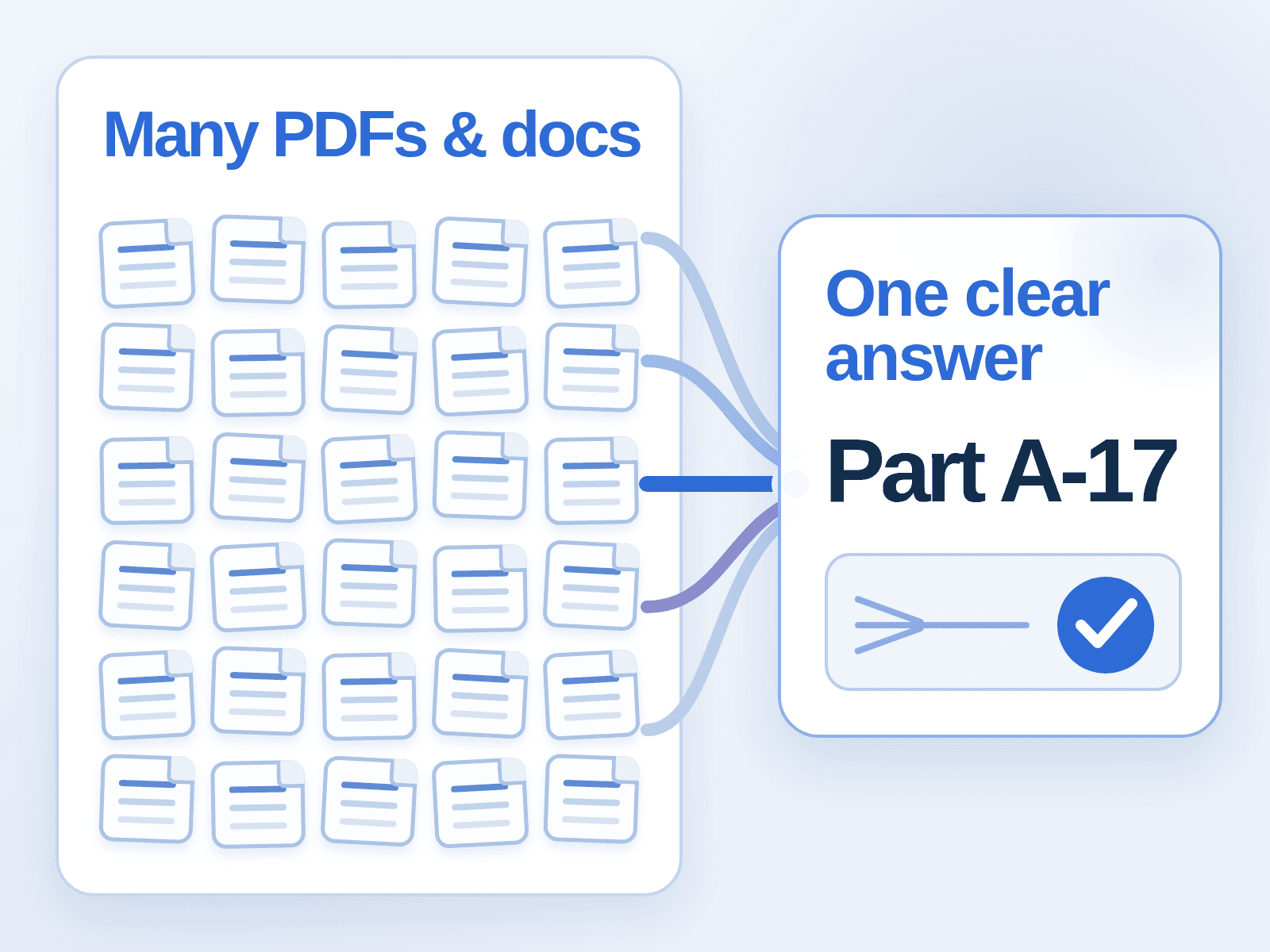
Most AI ingests a PDF. Keyline reads it.

Standard OCR flattens a diagram into a string of characters with no meaning left in it. A parts compatibility matrix becomes gibberish. A wiring diagram becomes noise. Keyline indexes the document in its original visual format, so figures, tables, and layout keep the relationships that make them useful in the first place.

It reads figures and tables, not just text.

A compatibility matrix, an assembly diagram, a dimensional tolerance table: these are not extra credit, they are the knowledge. Keyline preserves them and answers from them directly.

It shows you exactly where the answer came from.

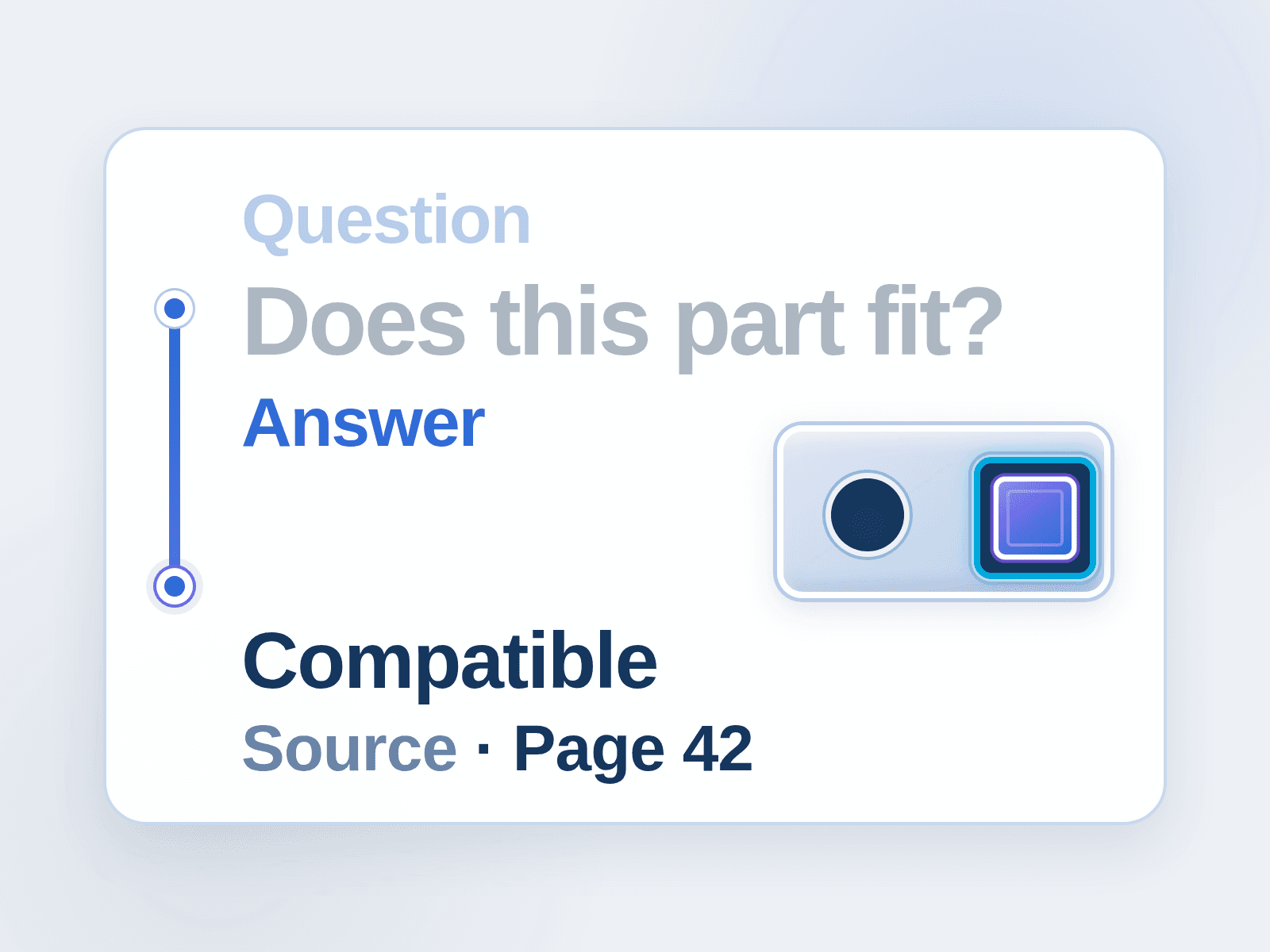
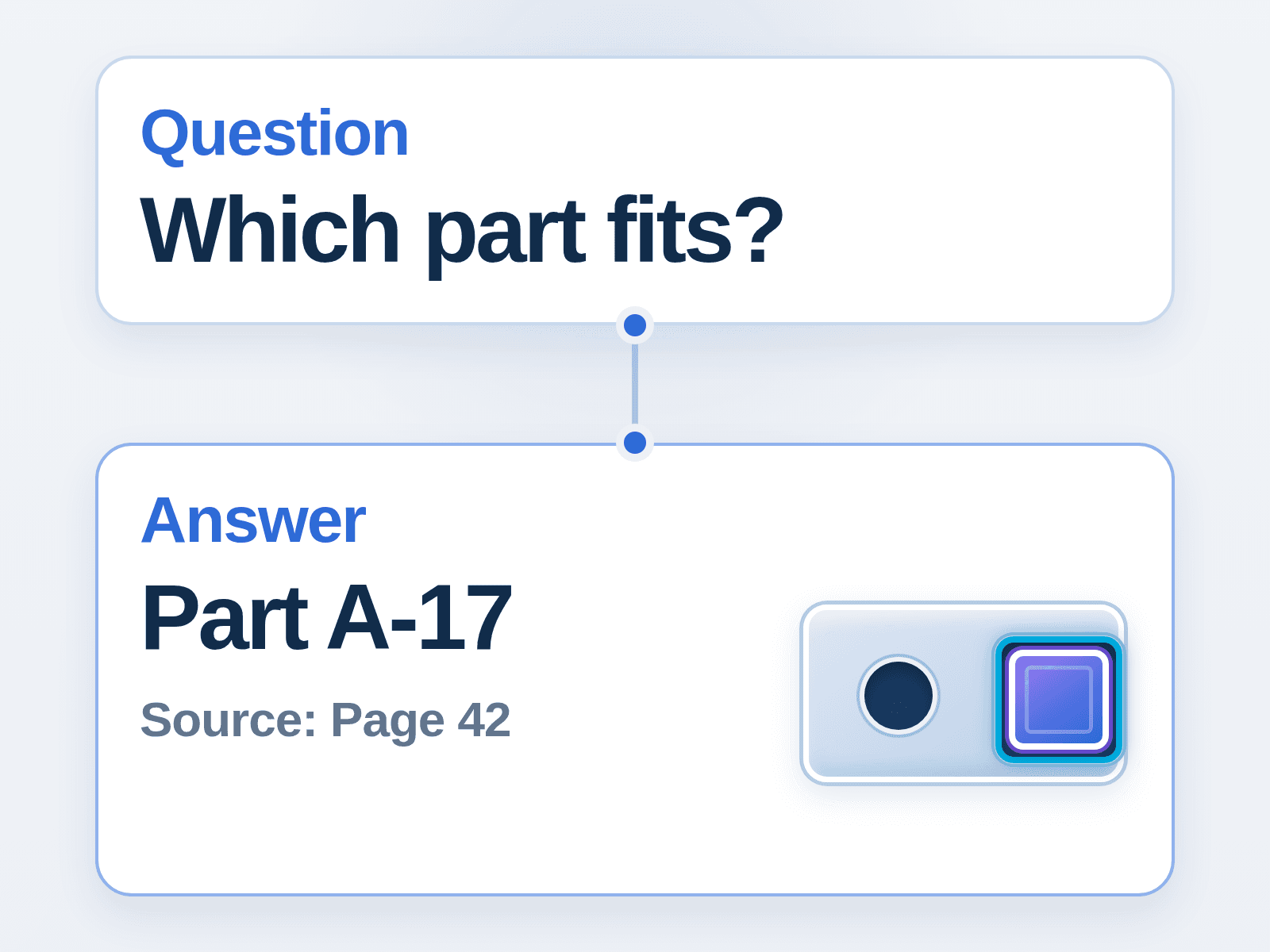
Every answer cites the source page and position in the original document, with the relevant figure or table cropped and shown inline. You verify the answer in one click instead of taking the AI's word for it.

It does not cap out at 50 files.

Tools built for a handful of documents fall over at enterprise scale. Keyline has no file limit, so a library of thousands of PDFs behaves the same as a library of ten.

5xmonthly access-80%handling workload

At Fujimak Corporation, one engineer had become the unofficial answer desk for 218 service engineers across 70 locations. After the team made 370 pages of manuals searchable, monthly access grew 5x and inquiry handling time dropped by about 80 percent.

“Previously, finding information meant flipping through thick PDF manuals. Now, just search first, is becoming habitual.”
Karita, Service Department, Fujimak Corporation

Three ways in, one verified answer.

Find Documents

Interprets what you are asking and surfaces the right document and section, even when you do not know which manual to open.

Best for: Which spec sheet covers this part?

Read & Interpret

Deep-reads a specific document, or a set of them, and answers questions that require cross-referencing and judgment, not just lookup.

Best for: Does this filter meet a MERV 14 rating?

File Search

Finds a specific file by name, metadata, or content keyword when you already know roughly what you are looking for.

Best for: Where is the 2024 revision of this manual?

Ask a follow-up, request a translation, or ask Keyline to turn an answer into something you can hand to a colleague. The conversation stays attached to the source, and every question and answer is logged so a team builds shared knowledge instead of re-asking the same thing.

The honest comparison, not the marketing one.

Keyline is not trying to replace your everyday AI assistant. It is the specialist for the documents those tools cannot actually read.

DimensionKeylineNotebookLM
File limitsNone300 Files Max
Figure and table readingNative visual comprehensionOCR-based text extraction
Source citationExact page and position, original layout, figure crops inlineText snippet with a document link, layout lost
Team useShared, team-visible Q&A historyNo shared history

NotebookLM is great for 50 files. What happens at 5,000? And can it actually read the diagram on page 47, or just quote the words around it?

DimensionKeylineMicrosoft Copilot
Built forComplex PDFs with visual contentGeneral AI across the M365 suite
Figures and tablesNative interpretation, shown inlineText-based extraction, limited visual reading
Source precisionPage and position, original layoutDocument-level reference
SetupUpload a PDF, indexing is automaticRequires the M365 ecosystem and admin configuration

Copilot is an AI layer across everything in your M365 stack. Keyline is the specialist for the documents Copilot cannot actually read: the manual with diagrams, the regulatory PDF with tables, the spec sheet where the figure is the answer. Keep Copilot for email. Use Keyline when accuracy on a document matters.

Built for the person who actually opens the PDF.

Frontline technical staff
Today

You are guessing at which manual has the answer, or waiting on the one person who knows.

What changes with Keyline

Keyline gets you to the right page in seconds, with the diagram attached.

The person everyone calls
Today

At Fujimak, one product specialist became the bottleneck for questions from across the country. He could not take a day off without the field stalling.

What changes with Keyline

Keyline takes that knowledge and makes it searchable by anyone, so being out of office stops being a liability.

IT and technical support managers
Today

You are the one who has to sign off on a new tool without a six-week procurement cycle.

What changes with Keyline

Keyline is document-first by design: point it at your own PDFs and see it working on your own documents before you commit.

Start where you are.

  1. Stage 1: Land with Keyline.

    Point it at the manuals, spec sheets, or regulatory PDFs your team already has. No integration project, no procurement committee. Solve one immediate, visible pain: your team stops spending hours flipping through manuals.

  2. Stage 2: Prove it internally.

    Usage and question logs build a track record your team can point to. Access volume climbing, and fewer interruptions to your one product expert, are the kind of proof that gets a renewal signed off without a fight.

  3. Stage 3: Bring it to your customers.

    If your team loves searching your own documentation, the same verified reading engine can power self-service for the customers asking those questions too.

Built for the tools you already use, including your AI agent.

PDF-native today. Word, Excel, and HTML support are on the roadmap. If your documents are PDFs, Keyline reads them now.

Start on your own documents.

Book a demo and we point Keyline at your PDFs. Indexing is automatic, so you see it working on your real documents, not a canned demo set.

Bring your own agent.

Keyline works alongside Claude, Codex, and the other AI agents your team already runs, not just its own interface.

API, CLI, and Skills.

Built for technical teams who want to wire document search into their own tools and workflows, not just click through a UI.

SharePoint, and growing.

SharePoint integration is live today, with more connectors on the roadmap.

Already proven on real, messy, technical documents.

5x access, 80% less workload

Fujimak Corporation

Made 370 pages of commercial kitchen equipment manuals searchable on day one. Monthly access grew from about 200 to about 1,000, and the team's inquiry handling workload dropped by roughly 80 percent within the first year.

500-600 pages in a month

siroca

A kitchen and household appliance manufacturer migrated 500 to 600 pages of support content in about a month, and reached usage levels comparable to Helpfeel's web-native customers within its first three months.

In an early demo, we pointed Keyline at an actual product PDF from a 90-year HVAC filter manufacturer and asked whether a specific filter met a MERV 14 rating. Keyline found the right page and answered with the diagram attached, on the spot.

Part of the Helpfeel platform. 625+ companies trust Helpfeel for reliable self-service.

See what Keyline finds in your own documents.

Book a demo and we will point Keyline at a PDF your team normally has to search by hand.

Built by the team behind Helpfeel. 625+ companies. 99% renewal.