
What a compatibility table can tell you about AI search
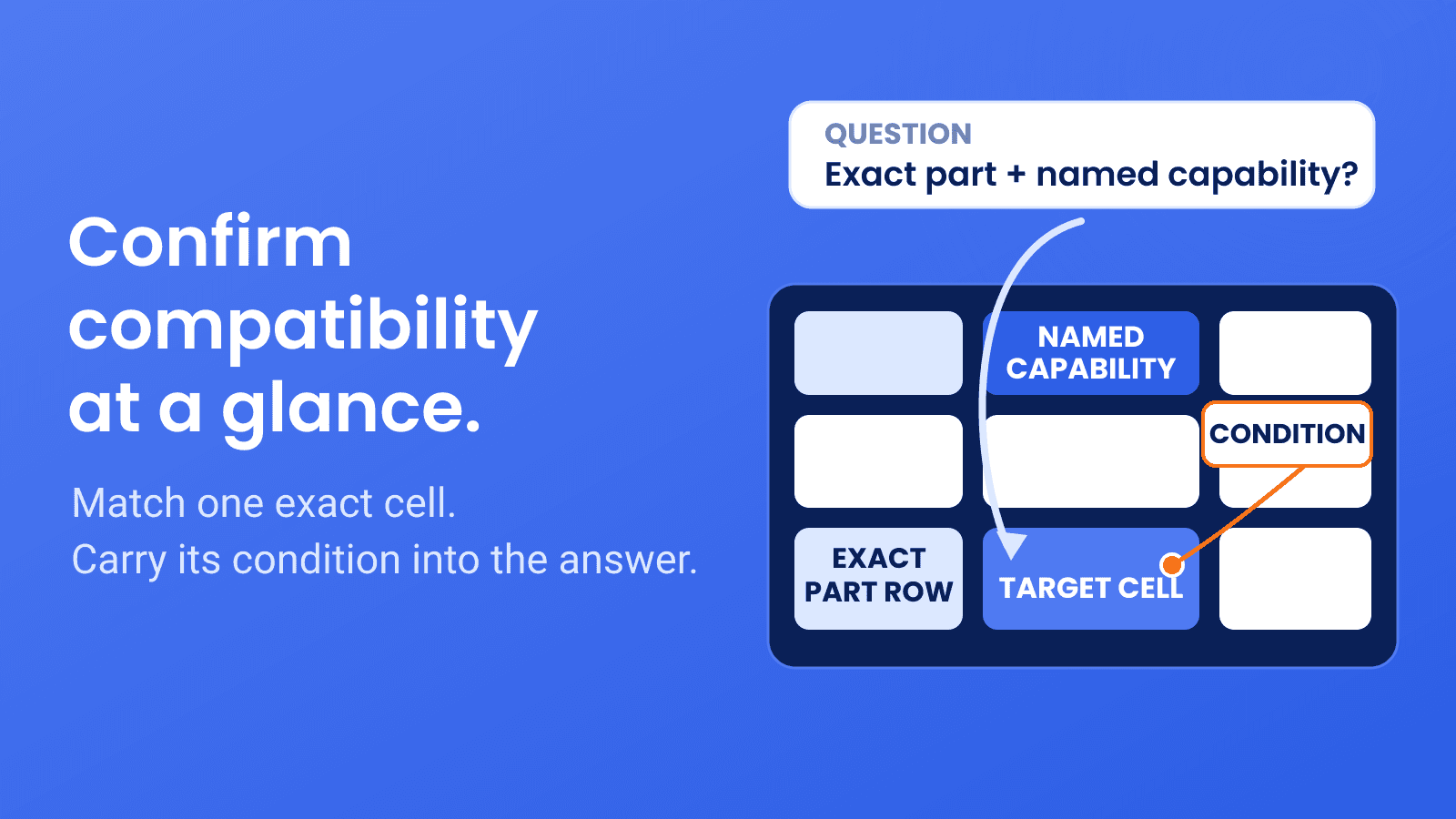
Test AI search on one exact compatibility-table cell. Name the capability in the question. A reliable answer must preserve the exact row, complete column header, cell value, attached footnotes, and nearby conditions. Reducing that relationship to "compatible" or "not compatible" can change the meaning.
If you lead technical support or field service, use a direct test. Ask one narrow question, record the source answer first, then check whether the tool keeps each condition connected to the right result.
Test one exact cell
Each capability needs its own cell answer. One cell can contain a negative result, while another can require a minimum firmware revision.
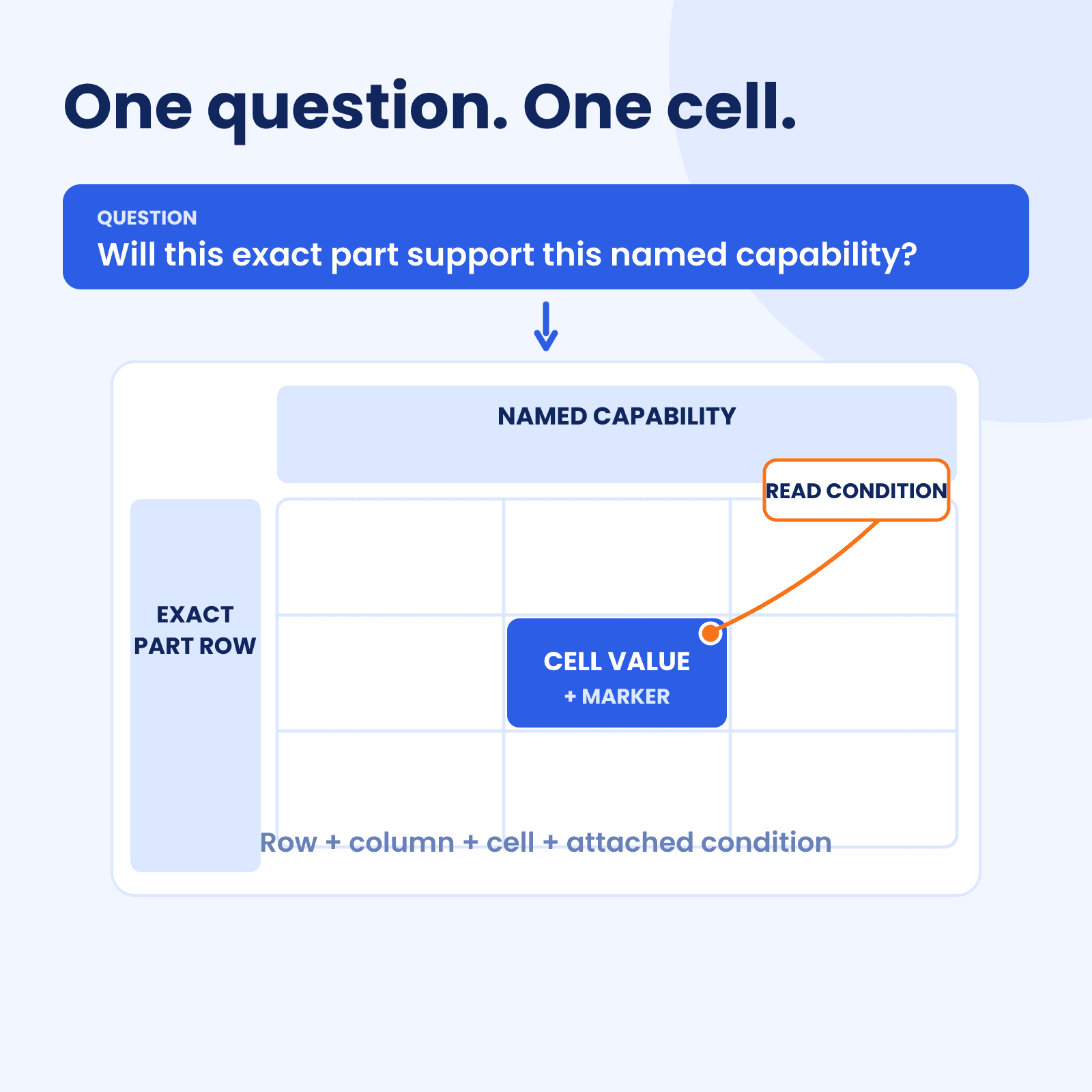
The target cell is where the exact item row and capability column meet. A useful test question names:
- the exact product family
- the exact row or catalog number
- the exact capability column
- the condition that the answer must return
Ask the lookup to return one cell: "For this product family and this adapter, what does the table say about this named capability, and which conditions apply?"
Record the source before you check the answer
Record the exact source and table before you review an AI search result. This keeps a matching value from a nearby table, similar product, or different publication out of the answer.
Write down:
- source title and publication number
- printed page and section
- exact product family
- exact row identifier
- exact column header
Copy every identifier as printed. Do not shorten a catalog number or rename a column. Stop if any source detail does not match the question.
Verify the row, column, and cell together
Read the target cell while keeping the full row visible. Neighboring cells show whether the item has different results across capabilities. This check prevents one cell result from becoming a claim about the whole item.
Copy three elements exactly as printed:
- the complete column header
- the cell value
- every marker attached to the header or cell
Keep words such as "Not compatible" under their original column. Keep revision numbers attached to their markers. Moving either detail one cell left or right changes the answer.
Resolve every footnote before you answer
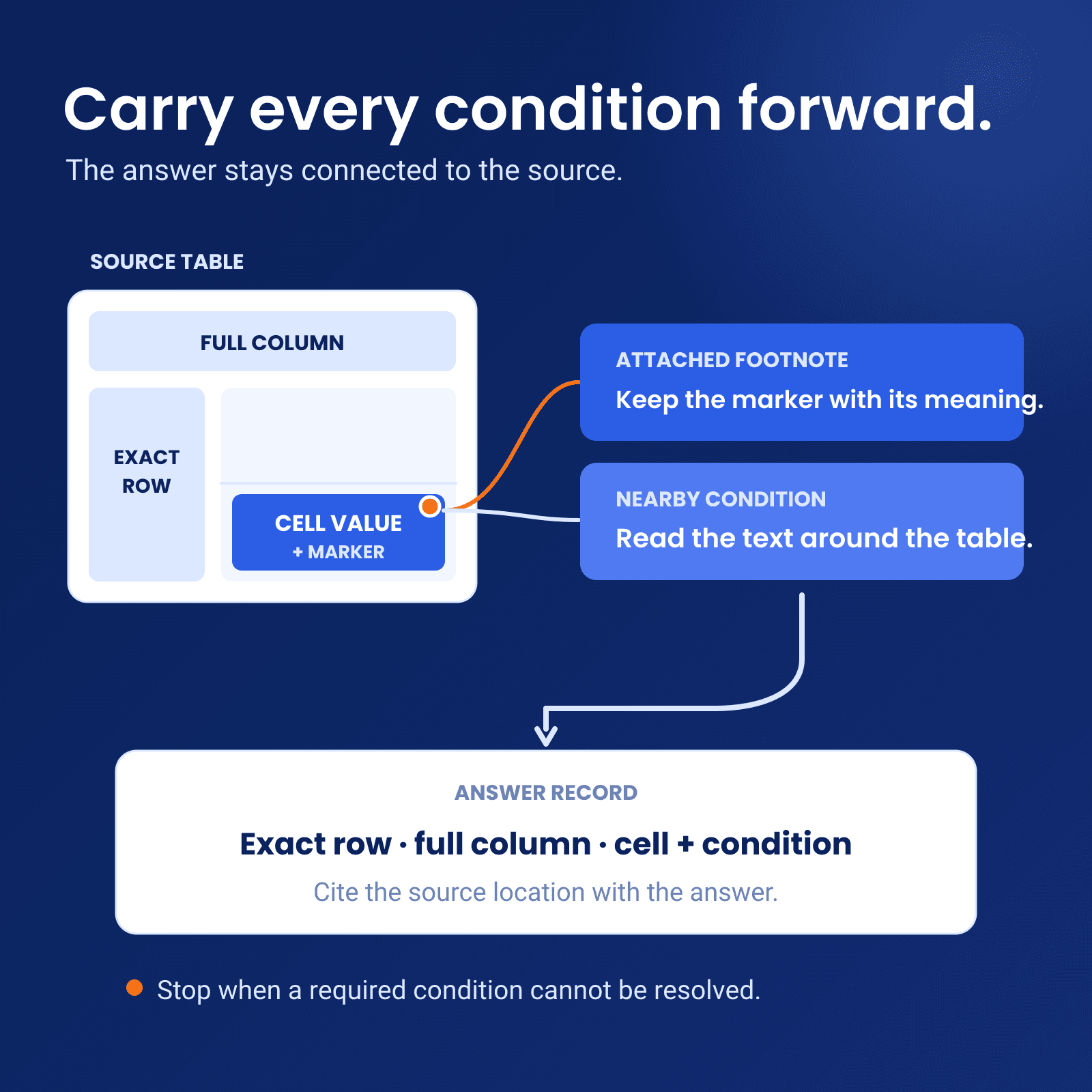
A cell answer is incomplete until you resolve its footnotes. A footnote can define a minimum value, limit a column's scope, or add a condition that the cell does not repeat.
Keep each marker with its meaning in your lookup record. If the page extraction includes the cell but omits its footnote, the evidence is incomplete. Stop the lookup.
Read the conditions around the table
Nearby text can limit an otherwise correct cell answer. Read the introduction, bullets, and warnings around the table. They can narrow the product family, name required hardware, restrict a port, or point to a separate check.
Treat these conditions as limits on the answer. Do not convert them into installation advice.
Save one lookup record
Save one record for each lookup so another reviewer can reproduce your work. Record the source revision and unresolved conditions.
| Field | What to record |
|---|---|
| Source | Title and publication number |
| Location | Printed page and section |
| Product family | Exact family named by the table context |
| Row | Exact row identifier |
| Column | Complete column header |
| Cell | Value copied exactly as printed |
| Footnote | Marker and full meaning |
| Outside-table condition | Relevant introduction, bullet, or warning |
| Source limit | What the document does not establish |
| Tested AI answer | Exact value or text returned by the tool |
| AI evidence | Printed page, section, or excerpt returned |
| Verification result | Match, mismatch, or incomplete evidence |
| Current-method result | Answer and source found with current method |
| Review effort | Time or steps required to verify the cell |
| Decision | Continue the lookup or stop for review |
Another reviewer should be able to reconstruct the lookup without guessing which row, column, or note applies.
Worked source reference: one row gives four answers
Use this public table as a source-reading exercise.
The 20-COMM-M row does not have one compatibility answer in this table. Its result depends on which of four capability columns you ask about.[1]
Rockwell Automation's PowerFlex 750-Series AC Drives Technical Data, publication 750-TD001P-EN-P, is dated July 2025.[1] Its "PowerFlex 750-Series Legacy Communication Options" section on printed page 192 scopes the table to legacy 20-COMM adapters used with PowerFlex 755 drives.[1]
On printed page 191, Rockwell identifies 20-COMM-M as a Modbus/TCP communication adapter and marks it with the carrier-card requirement.[1] The table on printed page 192 gives four separate capability results for that row:[1]
| Capability column | Cell in the 20-COMM-M row | Citation and attached markers |
|---|---|---|
| Accesses Ports 0 through 6 for I/O Connections (implicit and Explicit Messaging) | Revision 2.001 (2) | [1], cell (2) |
| Accesses Ports 7 and Higher (I/O, Explicit Messaging) | Revision 2.001 (2) | [1], cell (2) |
| Supports Drive Add-on Profiles | Not compatible | [1] |
| Supports Asian Languages (1) | Revision 2.001 (2) | [1], header (1), cell (2) |
Footnote (2) means the listed adapter firmware revision or higher is required.[1] Header footnote (1) names Chinese, Japanese, and Korean at the time of publication.[1]
Three cells return Revision 2.001 (2), while the Supports Drive Add-on Profiles cell says "Not compatible."[1]
Outside the grid, Rockwell gives different carrier-card and physical-port guidance for Frame 1 and for Frames 2 and larger on printed page 192.[1] The same page warns that some PowerFlex 755 configurations using certain communication options can exceed the main control board's available processor resources and points to publication 750-PM001.[1]
Check a current approved source for installation suitability, operating safety, availability, and support for the full configuration.
Stop when the source cannot support the answer
Stop the lookup and ask a qualified reviewer when:
- the product family or row identifier does not match exactly
- the named column is missing or ambiguous
- a cell marker has no visible footnote
- nearby text adds a condition that you cannot resolve
- the question asks for installation, safety, availability, or full-system support
Set the pass rule before the test
The answer passes only when it preserves the exact row, full column header, cell value, attached footnotes, and applicable conditions outside the table. Run the same query with your current lookup method and the AI method. Compare source accuracy and reviewer work for each result.
Proceed to a paid beta only if the AI lookup meets your team's rule. If the tool drops required conditions or increases reviewer work, keep your current process.
If your team handles a recurring compatibility-table lookup, see Keyline for technical teams or contact Helpfeel to discuss a scoped evaluation. Start by describing the lookup and document type. The initial inquiry needs only those details.
Sources
[1] Rockwell Automation, PowerFlex 750-Series AC Drives Technical Data