
How to check an AI answer against a parts diagram
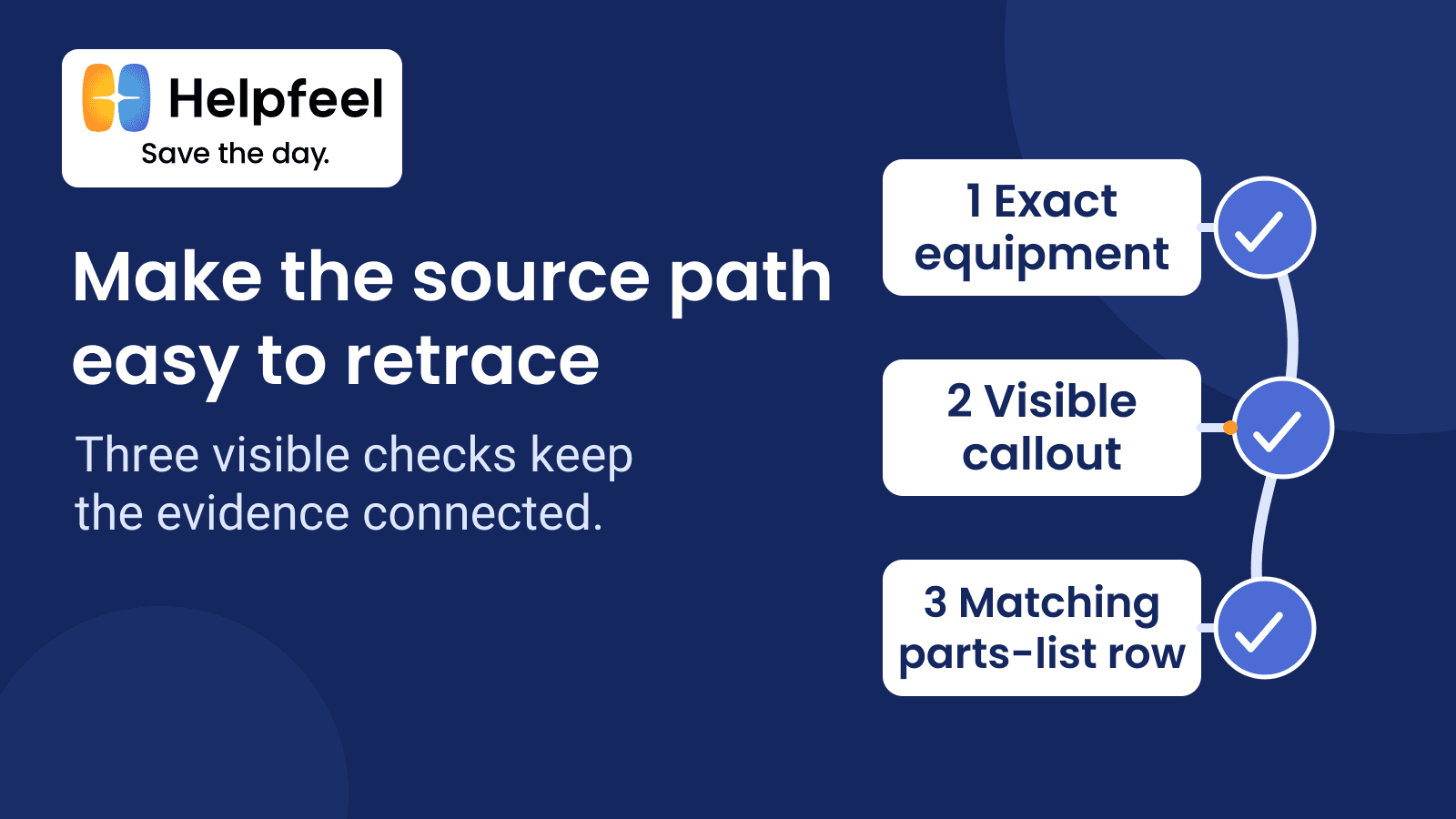
Check three links before you trust an AI parts diagram answer: the exact equipment, the visible callout, and the matching parts-list row. Then check the hierarchy, quantity, units, notes, and source region.
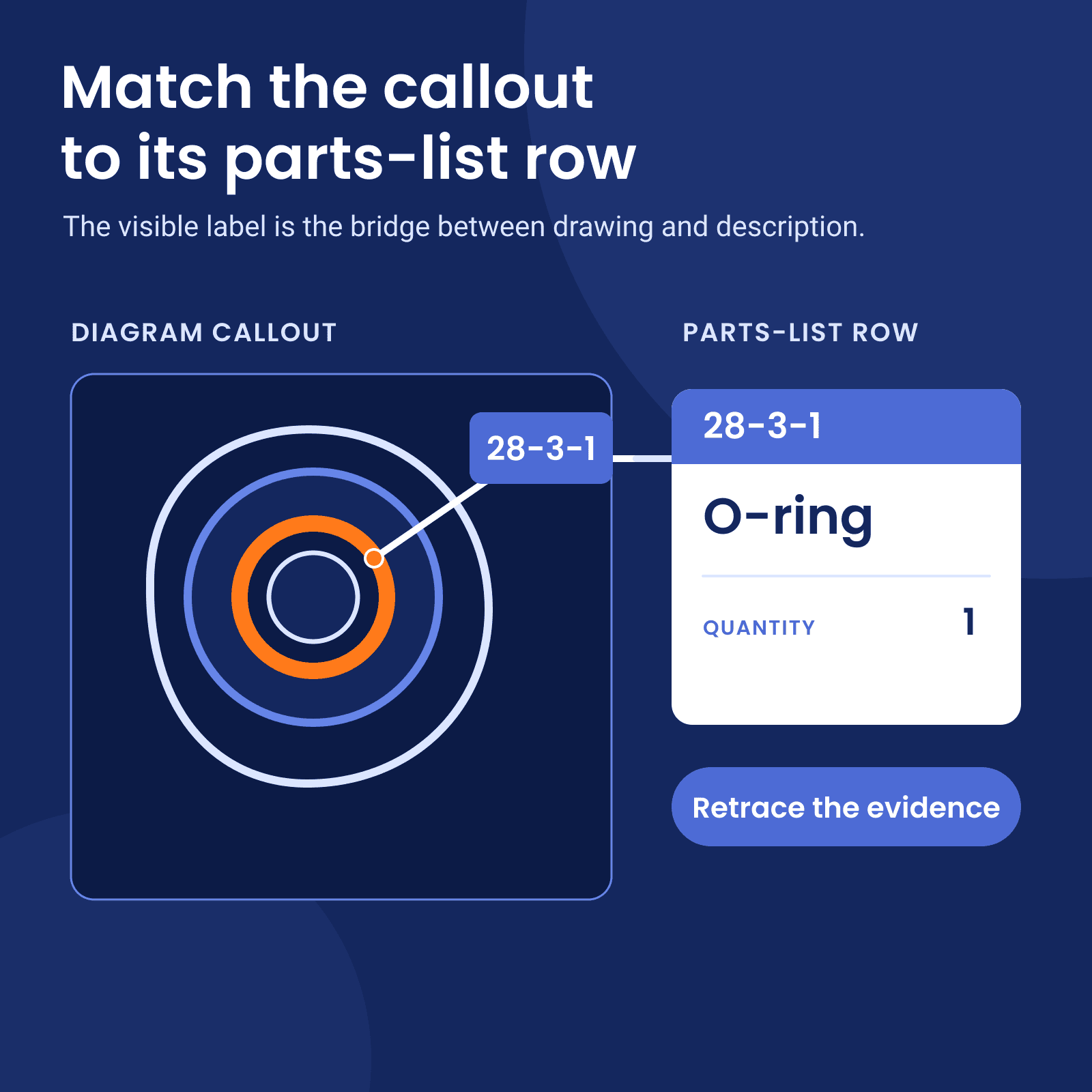
A callout is the label in the drawing that points to an item. The parts-list row is the matching table entry.
If any part of that evidence chain is wrong or missing, the answer can change. A callout may belong to a related product. An answer may lose the callout's position inside an assembly or omit a label from the parts-list row. Record the full evidence path in one evidence table.
We use a public manual to show how to check a parts answer against its source.
Confirm the exact equipment identity
Start with the printed product number, especially when one manual covers related products.
The Eaton repair manual used here identifies product number 72400 as a single piston pump. It lists 78461 as a tandem piston pump, 78462 as a single piston pump with a gear pump, and 78463 as tandem piston pumps with a gear pump.[1]
For this example, the answer must name product number 72400. Keep that identity attached to the rest of the trace. Otherwise, a callout from a nearby variant could appear to support the answer.
Follow the visible callout into the parts list
Match the visible diagram label to its parts-list row. Check both regions together.
In the Eaton manual, Figure 1-1 spans printed pages 4 and 5. The exploded view shows callouts 28-3 and 28-3-1.[1] The drawing shows the labels and their locations. The parts list on printed page 6 gives their descriptions, quantities, and dimensions.
Preserve the parent-child relationship
Keep nested callouts in their original hierarchy. A loose list removes part of the source meaning.
Printed page 6 identifies item 28 as the Housing Assembly. Beneath it, 28-3 is one Plug Sub-Assembly. Item 28-3-1 is one O-ring for that plug sub-assembly.[1]
The source chain is:
- 28: Housing Assembly
- 28-3: Plug Sub-Assembly, quantity 1
- 28-3-1: O-ring, quantity 1
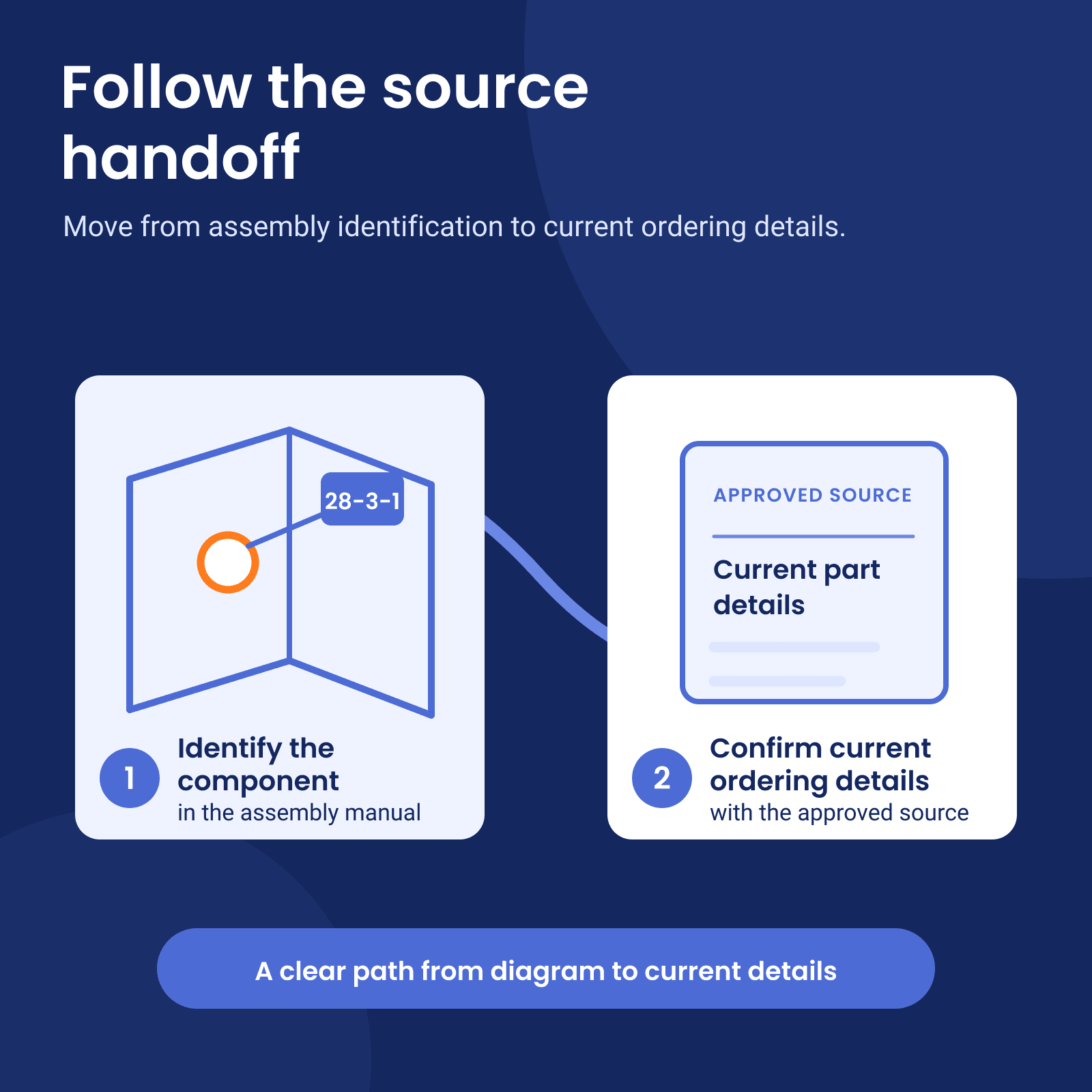
The manual establishes 28-3-1 as a nested reference. Use a current approved parts source to confirm the orderable part number.
Carry quantity, units, and labels together
Copy the quantity, dimensions, and printed labels into separate fields. For 28-3-1, the row prints quantity 1 and gives the O-ring dimensions as "1,63 mm Dia. x 6,1 mm I.D. [.064 in. Dia. x .239 in. I.D.]."[1]
Preserve both printed unit systems and the Dia. and I.D. labels. Do not add a conversion, tolerance, material, or interchangeability statement that the row does not contain.
Stop at the document boundary
Use the manual only for what it proves.
The manual tells readers to use parts list 06-06-642 for replacement parts and ordering information, and its final page repeats that direction. That page also identifies the inspected document as E-PUPI-TS015-E, dated March 2009, superseding 07-06-629.[1]
This manual supports the callout relationship in the example. Check a current approved source for the orderable part number, price, availability, and compatibility.
Record one evidence table
Keep one evidence table beside the answer so another qualified reader can retrace the evidence.
| Field | What to record | Eaton example |
|---|---|---|
| Equipment identity | Exact model or product number | Eaton Model 72400, product number 72400 |
| Document | Identifier and date | E-PUPI-TS015-E, March 2009 |
| Figure region | Figure and printed pages | Figure 1-1, pages 4-5 |
| Callout chain | Parent and nested labels | 28 to 28-3 to 28-3-1 |
| Parts-list region | Printed page and row | Page 6, rows 28-3 and 28-3-1 |
| Description and quantity | Copy each field separately | Plug Sub-Assembly, 1; O-ring, 1 |
| Units and labels | Preserve source text | 1,63 mm Dia. x 6,1 mm I.D. [.064 in. Dia. x .239 in. I.D.] |
| Source note | Limits or cross-references | Ordering information points to 06-06-642 |
| Unresolved question | Next approved source required | Current ordering details |
Set the pass rule before the test
The answer passes only when a qualified reader can verify product 72400, callouts 28 to 28-3 to 28-3-1, the matching parts-list rows, and the printed quantity and units. If one part is missing or wrong, check the answer again.
To test whether the workflow supports a paid Keyline beta, run one recurring lookup with both your current method and the AI method. Use the same approved source and question for both. Record complete or failed evidence paths and verification time. Set the pass rule before the test and use the repeated results to make the beta decision.
If your team has one recurring manual lookup to test, read about Keyline for technical teams or contact Helpfeel to discuss a paid Keyline beta. Start by telling us the workflow, the team that owns it, and the document type. The initial inquiry needs only those details.
Sources
[1] Eaton Model 72400 Servo Controlled Piston Pump Repair Information